Best Session Replay Tools for Ecommerce in 2026


TL;DR
- Most session replay tools were built for general SaaS or product analytics, not ecommerce — they sample sessions, ignore checkout context, and leave UX and product teams guessing at why shoppers drop off.
- The best ecommerce session replay tools capture 100% of sessions, surface the ones that matter automatically, and connect what shoppers do on PDP, cart, and checkout to revenue.
- This guide compares Noibu, Contentsquare, FullStory, Hotjar, LogRocket, and Quantum Metric on capture rate, checkout visibility, AI surfacing, and ecommerce context.
- Noibu is the only platform in this list built specifically for ecommerce and the only one to combine 100% session capture with revenue-mapped prioritization across the full funnel.
Session replay for ecommerce is the practice of recording how real shoppers move through a site — every click, scroll, hesitation, form interaction, and funnel step — and using those recordings to understand why conversions happen or don't. The best session replay tools for ecommerce capture every session, not a sample, and tie shopper behaviour to specific pages, funnel stages, and revenue outcomes. This guide compares six leading platforms — Noibu, Contentsquare, FullStory, Hotjar, LogRocket, and Quantum Metric — on what they actually show ecommerce teams about PDP, cart, and checkout.
What ecommerce teams actually need from session replay
Generic session replay shows you that a shopper scrolled, clicked, and left. That's enough for a SaaS product team studying onboarding. It isn't enough for an ecommerce team trying to understand why $14 million in cart value walked away last quarter.
Ecommerce demands more from the category. Five things separate the platforms that work for retailers from the ones that don't:
1. 100% session capture, no sampling. Sampled session replay is the single biggest gap between generalist tools and ecommerce-fit ones. When a tool only records a percentage of sessions — or stops recording once a monthly quota is hit — the sessions you most need to watch are statistically the ones you'll miss. Rare, high-revenue checkout bugs don't show up in sample sets.
2. Full checkout visibility, including hosted and iframe flows. Many session replay tools lose the recording at the point of payment, where third-party scripts, hosted checkout iframes, and PSP redirects break the trace. That's exactly where shoppers convert or quit. If a tool can't see from PDP through order confirmation, it's blind to the moment that matters most.
"We've seen, through Noibu, some cases where people will rage click but they'll still convert, and that's not a great experience for us, so we've actually focused on fixing those that would've otherwise been hidden, because the purchase goes through, but maybe they don't come back."
— Julian Charnas, Director of Digital Commerce at Harman Inc. (JBL)
3. AI-assisted surfacing of the sessions worth watching. Nobody on a digital team has the hours to watch every recording. The best ecommerce session replay platforms tell teams which sessions to look at — sessions where shoppers rage clicked on a sold-out variant, sessions where a coupon failed silently, sessions where payment retried three times before abandonment. That triage is the product, not a feature.
4. Ecommerce context, not just UX context. Funnel stage (PDP → cart → checkout → confirmation), cart value, payment method, device, geography. Without these dimensions, session replay is a stream of mouse movements without a story.
5. Revenue connection. A click pattern that hurts conversion isn't interesting in the abstract. It's interesting in dollars. The best tools quantify what hidden friction costs and rank fixes accordingly.
Less than 1% of shoppers report a problem they experience on an ecommerce site.
Source: Noibu buyer research, 2025. The other 99% leave silently — making session replay the only way to see the friction your support inbox never tells you about.
The 6 best session replay tools for ecommerce in 2026
1. Noibu
Best for: Ecommerce and digital teams at mid-market to enterprise retailers who need full visibility from PDP to order confirmation, with sessions tied directly to conversion and revenue impact.
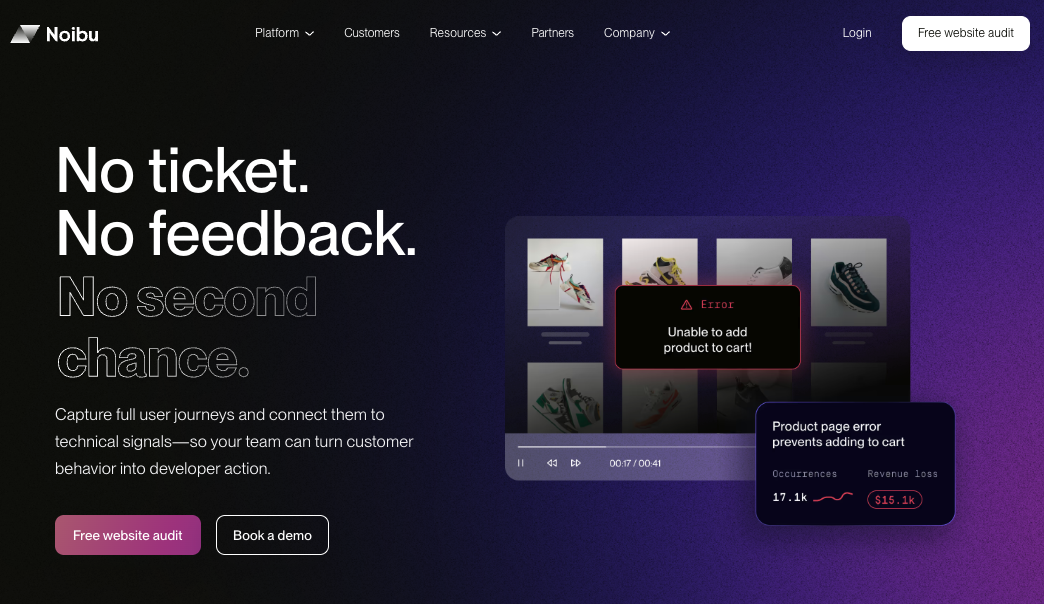
Noibu is the only platform in this list built specifically for ecommerce. Session Replay is one part of Noibu's AI for ecommerce operations platform — meaning every recorded session is enriched with the funnel stage, cart value, frustration signals, and technical context that explain what the shopper experienced and why it mattered to revenue.
What sets Noibu apart for ecommerce teams:
- 100% session capture. Every session on the site and mobile app is recorded. No sampling, no monthly quotas, no statistically meaningful sessions lost to a billing tier.
- Full checkout coverage. Recordings extend through hosted checkout, iframe payment flows, and order confirmation — the parts where most session replay tools fail.
- AI-assisted session search. Instead of scrolling through thousands of recordings, ecommerce teams describe what they're looking for ("sessions where shoppers abandoned at payment after applying a promo code") and Noibu surfaces them.
- Ecommerce-native frustration signals. Rage clicks, dead clicks, form abandonment, payment failures, and other patterns flagged automatically — without analyst setup or custom event configuration.
- HelpCode™. Support agents tie any complaint to the exact session in real time, so escalations come with the recording attached.
- Revenue-mapped prioritization. Sessions surface alongside the conversion and revenue impact of the issue they reveal, so product and UX teams know which fix is worth prioritizing.
Noibu has helped us identify UX issues by giving us the ability to look into sessions based on user behaviour — what pages they were on, what actions they took — and easily giving us a list of applicable sessions that we could watch instead of having to sift through quantitative data. We get to see real users and their pain points in real life."
— Meredith Eads, Product Design Manager at Aeroflow Health
Ecommerce Monitoring Stack Consolidation
2. Contentsquare
Best for: Large enterprises with dedicated analyst teams running cross-industry experience programs.
Contentsquare is anm established digital experience analytics platform, with strong zone-based heatmaps, journey analysis, and AI summarization of individual sessions. Its session replay is rich and well-instrumented, with friction indicators surfaced inside each recording.
Where it falls short for ecommerce: Contentsquare is a generalist platform serving automotive, financial services, SaaS, and retail with the same product. It samples errors per page, which leaves coverage gaps on the most complex ecommerce pages — PDP and checkout. Revenue impact is measured case by case rather than rolled up automatically across the funnel. And the workflow is session-centric: ecommerce teams hop between replays, error tools, and developer tools to piece together a complete picture. For brands with a full analyst team and the budget to support a long implementation, the depth is valuable. For lean ecommerce teams who need immediate, prioritized insight, the learning curve is steep.
3. FullStory
Best for: SaaS and B2B product teams optimizing onboarding and feature adoption.
FullStory is a category leader in digital experience analytics, with strong session replay, retroactive analytics, and a thoughtful friction-signal model. The product is genuinely impressive for studying how users adopt a software product.
Where it falls short for ecommerce: FullStory captures sessions and standard friction indicators, but its event model is built around product usage rather than ecommerce funnels. Interpreting a session in the context of checkout disruption, cart abandonment, payment failures, or order details requires ecommerce teams to build the framing themselves. FullStory's error capture is limited to what happens within a session — there's no bigger-picture grouping, alerting, or ranking of issues by conversion impact. For ecommerce teams already operating leanly, the gap between FullStory's product analytics depth and a usable ecommerce workflow can take quarters to close.
4. Hotjar
Best for: Small businesses and content-led sites running lightweight qualitative UX research.
Hotjar is widely adopted, affordable at the entry tier, and easy to set up. For SMB ecommerce sites running occasional UX research projects with surveys and heatmaps alongside session replay, it can be a sensible starting point.
Where it falls short for ecommerce at scale: Hotjar samples session recordings at most price tiers, which means the sessions worth watching are statistically the ones most likely to be missed. The tool was built for general UX research across SaaS, financial services, and transportation — not for ecommerce — so the friction signals it surfaces are generic rather than tied to PDP, cart, and checkout context. There's no Core Web Vitals monitoring built in, and front-end error capture covers a subset of JavaScript errors (estimated at roughly 30% of front-end issues) rather than the full picture. For mid-market and enterprise ecommerce, the gaps usually mean another tool gets bolted on within a quarter.
5. LogRocket
Best for: Engineering teams at SaaS companies who need rich session reconstruction for debugging.
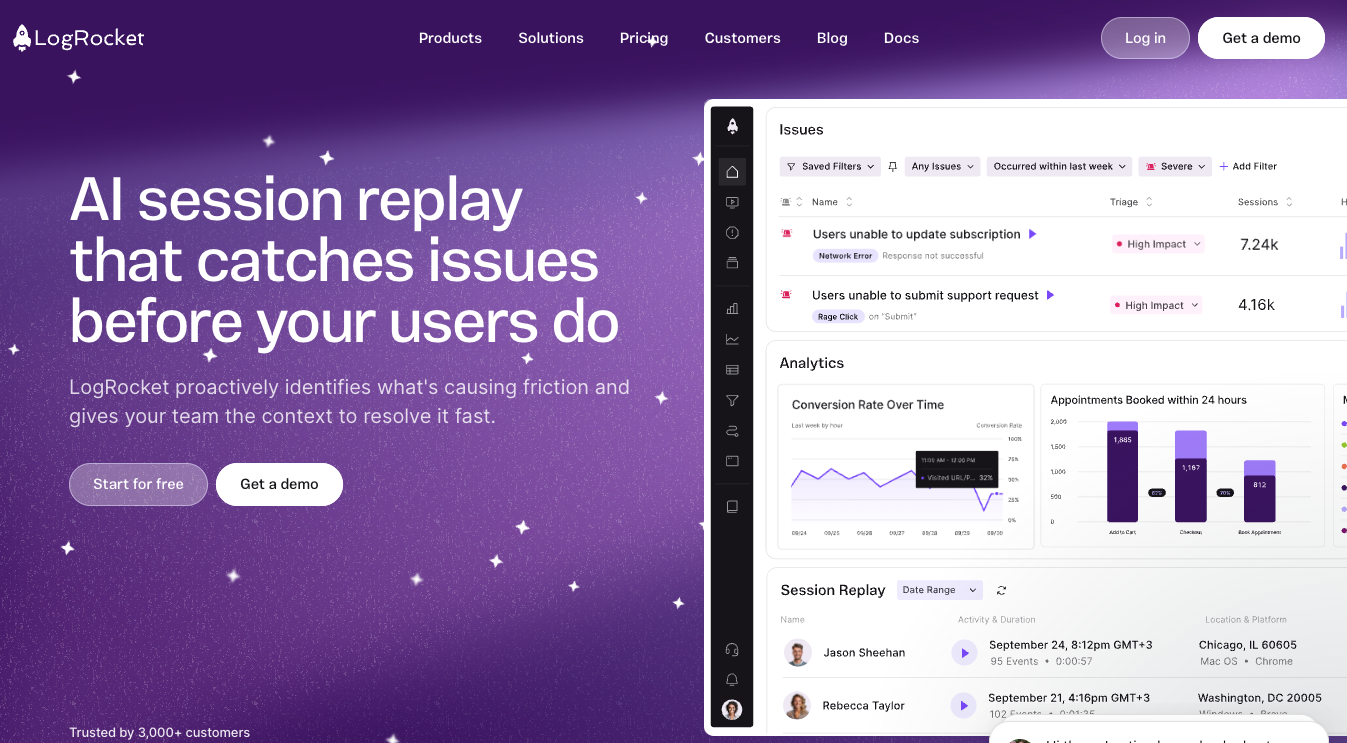
LogRocket is genuinely beloved by developers. It reconstructs sessions with detailed event timelines, network requests, and stack traces — making it powerful for engineering teams reproducing bugs in SaaS products. Galileo AI summarizes sessions and helps identify severity.
Where it falls short for ecommerce: LogRocket enforces hard session quotas. Once a team hits their tier's limit for the month, recordings stop — and reviews on G2 suggest as much as 75% of sessions can be missed under these limits. Its AI evaluates severity through a product analytics lens, not an ecommerce funnel or revenue lens. Custom dashboards and conditional recording rules can mitigate some of this, but they require ongoing analyst time, and ecommerce teams often describe the tool as one their developers go deep into while UX and product teams disengage. As one common buyer phrase puts it: "our developers won't go into it — it's a UX platform, not an engineering platform." LogRocket tends to invert that problem, becoming the platform UX and product teams won't go into.
Up to 75% of sessions can be missed when a session replay tool enforces monthly capture quotas.
Source: G2 user reviews of quota-based session replay platforms, summarized in Noibu competitive research.
6. Quantum Metric
Best for: Large enterprise teams with dedicated CRO programs and the budget for high-touch implementation.
Quantum Metric is a credible enterprise experience monitoring platform with strong opportunity quantification — its core promise is putting a dollar value on friction patterns. For large retailers with mature CRO programs, the depth is real.
Where it falls short for ecommerce teams outside that tier: implementation is heavy, pricing is enterprise-tier, and the platform's complexity assumes a dedicated analyst function. For most mid-market ecommerce teams, the time-to-value gap is substantial. Quantum Metric also operates as a behavioural analytics platform first — the technical context that explains why friction happened (a failed third-party script, a slow LCP on a hero image, a JS error breaking the add-to-cart button) lives in other tools, requiring teams to pivot between platforms to close the loop.
Session replay tool comparison: feature by feature
| Capability | Noibu | Contentsquare | FullStory | Hotjar | LogRocket | Quantum Metric |
|---|---|---|---|---|---|---|
| 100% session capture (no sampling) | ✔ | Partial | Partial | Sampled | Quota-limited | ✔ |
| Purpose-built for ecommerce | ✔ | Generalist | Generalist | Generalist | Generalist | Generalist |
| Full checkout & iframe coverage | ✔ | Partial | Partial | Limited | Partial | Partial |
| AI-assisted session surfacing | ✔ | ✔ | ✔ | Limited | ✔ | ✔ |
| Revenue-mapped prioritization | ✔ (automatic, across funnel) | Case-by-case | No | No | No | ✔ (opportunity-based) |
| Support team session linking (Help Codes) | ✔ | No | No | No | No | No |
| Built-in Core Web Vitals monitoring | ✔ | ✔ | Limited | No | Per-session only | Limited |
| Built for cross-functional ecommerce teams | ✔ | Analyst-led | Analyst-led | UX-only | Dev-only | Analyst-led |
How to choose the right session replay tool for your ecommerce site
The choice usually comes down to three questions.
Are you running ecommerce, or are you running something else that happens to sell things online? If commerce is the business — if the funnel is the product — generalist DXA platforms force ecommerce teams to recreate basic context (funnel stage, cart value, payment method) that should be native. The platforms built for SaaS, product, or general digital experience research can be configured to serve ecommerce, but the cost of that configuration usually shows up in implementation time and ongoing analyst burden.
Will the team actually use it? Session replay tools fail in deployment more than they fail in capability. The pattern Noibu hears in nearly every buyer conversation: a tool gets bought, devs find it too UX-flavoured or product teams find it too technical, and within two quarters it's shelfware. Tools that work across product, technical, UX, and support — without each team needing its own version — are the ones that get adopted broadly.
Does the tool tell you what to watch? Nobody has the bandwidth to scrub through thousands of recordings. The buyer phrase Noibu hears constantly is: "I don't want to watch every session — tell me what to look at." If a tool's primary workflow assumes the team will hunt, it won't get used.
"Our virtual stylists are real people assisting online shoppers. With the HelpCode™, they can see the exact session of the customer they're helping in real time and see exactly what the customer is seeing."
— Yoav Shargil, CDO of David's Bridal
Frequently asked questions
The best session replay tool for ecommerce conversion optimization captures 100% of sessions, surfaces the ones tied to conversion problems automatically, and connects shopper behaviour to revenue impact. Noibu is purpose-built for this use case, recording every session on web and mobile, surfacing friction across PDP, cart, and checkout, and quantifying the conversion and revenue impact of each issue.
Noibu captures 100% of customer sessions on web and mobile — no sampling, no monthly quotas, no recordings cut off after a usage threshold. Most other tools in this category either sample sessions by default or enforce hard quotas tied to billing tier, which means high-value checkout sessions are often the ones most likely to be missed.
Noibu is the only platform in this comparison built specifically for ecommerce and the only one to extend session recording cleanly through hosted checkout, iframe payment flows, and order confirmation. Generalist platforms like Hotjar, FullStory, and Contentsquare often lose recording fidelity at the point of payment, where third-party scripts and PSP redirects interfere with the trace.
To investigate a checkout bug with session replay, start with the sessions that ended at the checkout step rather than confirmation. Filter for frustration signals — rage clicks, repeated form attempts, repeated payment retries — then watch the recordings to see what shoppers experienced. Tools like Noibu speed this up by automatically grouping sessions affected by the same underlying issue and quantifying the revenue at risk, so investigation starts with the highest-impact problem rather than a random sample.
Ecommerce session replay tools record the full journey leading up to abandonment, including every page viewed, click, form interaction, error encountered, and frustration signal. With a tool like Noibu, the session is enriched with funnel stage and cart value, so a team can quickly see whether a shopper hit a checkout error, struggled with a coupon code, retried a payment, or simply changed their mind.
It depends on the tool. Sampled-capture platforms — including Hotjar at most tiers and some configurations of Contentsquare and FullStory — record only a percentage of total sessions. Quota-based platforms like LogRocket record every session until a monthly cap is reached, after which capture stops. Noibu captures every session with no sampling and no quota, which is critical for catching rare, high-revenue events like checkout failures.
See every session, prioritize the ones that matter
Most session replay tools were built to study how users adopt software, not how shoppers buy. The teams winning conversion in 2026 are the ones who stopped trying to retrofit generalist DXA platforms onto ecommerce funnels and started using tools built for the way commerce actually works.
Noibu records every session on the site and mobile app, ties each one to funnel stage and revenue impact, and tells teams exactly which sessions are worth watching. No sampling. No checkout blind spots. No analyst layer between a UX team and what shoppers actually experienced.
CTA: Free website audit → See what your current session replay tool isn't showing you. Noibu will run a complimentary audit of your site and surface the hidden friction costing you revenue right now — no strings, no demo required to see results.
About Noibu
Noibu is AI for ecommerce operations, the always-on optimization system that keeps online stores running at their best. By putting supervised AI agents to work on every site visit, Noibu captures the most important end-to-end shopping data, without the complexity of traditional analytics tools.
Noibu surfaces critical site errors, performance issues, and customer journey friction that block conversions, then ties every insight directly to business impact, session replays, and full technical context. This makes it easy for ecommerce teams to understand why things are happening and what to prioritize, without dedicated analytics headcount.
The result: faster decisions, better collaboration across teams, optimized customer experiences, and revenue growth.

.avif)