
See what shoppers experience while they're still on your site, and connect each session to its technical details to fix friction – before an order is lost.

Every click tells a story. Watch it unfold.
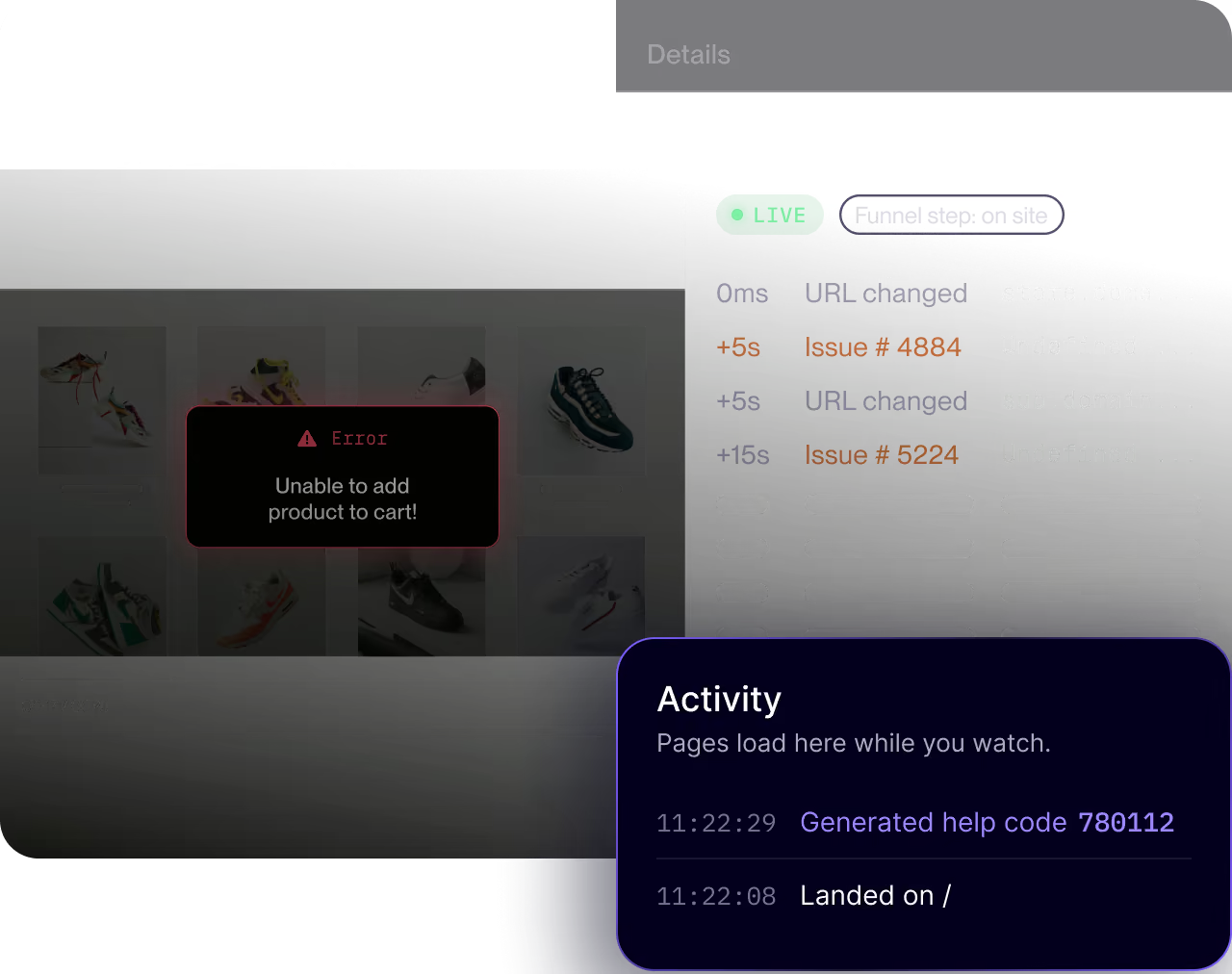
Capture every session, live
Watch live session replays to see what your shoppers experience as it happens.
Trace page views, events, errors, and interactions across the funnel on your website and mobile app to understand friction through your customers' eyes.

Pinpoint signs of user frustration
Stop sifting through endless sessions.
Surface the ones with payment failures, error messages, form abandonments, and more, so you can jump straight to the sessions showing signs of struggle.

Help shoppers while they're still shopping
Turn a complaint into a fix while the customer is still on the line.
Support reps can use a shopper's Help Code to jump into live co-browsing, see what they see, and solve the problem or escalate it.

Add custom data to session tracking
Connect support tickets, survey feedback, and custom data like order numbers to any session.
Developers get the technical detail to reproduce issues and fix them faster.
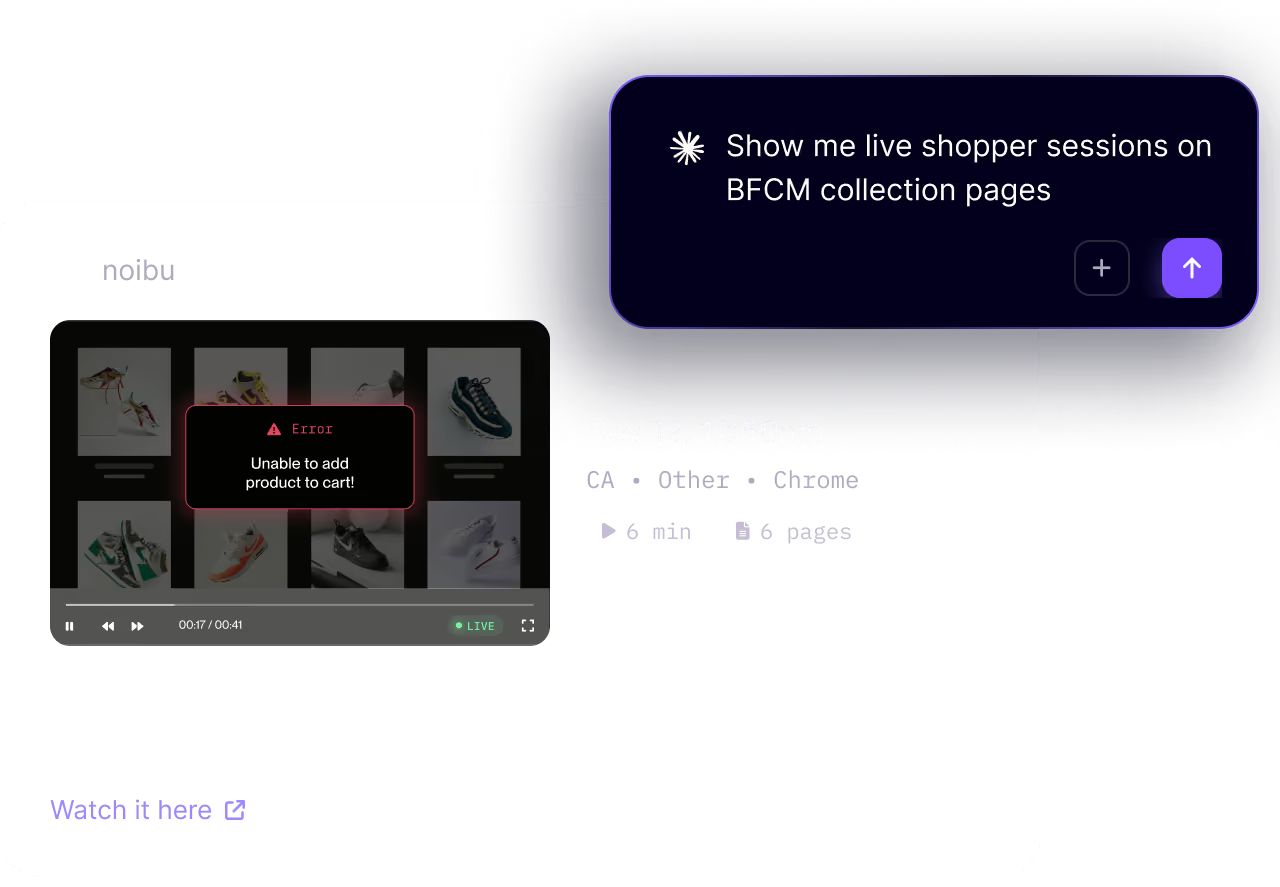
Ask your AI tool what shoppers are seeing right now
Live sessions and their underlying ecommerce data are available through Noibu's MCP server too.
Ask your AI tool what shoppers are running into while they're active on your site, and start on a fix before they leave.
Discover our other solutions
Issues & Alerts
Detect every issue ranked by business impact with the context to reproduce and debug fast.
Performance Monitoring
Measure core web vitals from real customer traffic and quantify the cost of slow loading pages.
Page Analysis
See shopper interaction, behaviour, and journeys on every page to map UX to what drives conversions.
Release Monitoring
Automatically track how releases impact site health to validate quickly and ship with confidence.
Noibu AI
Ask our AI agents to find conversion opportunities on your store and easily act on what they find.
See what shoppers are going through now
Watch live and completed sessions tied to technical issues, and fix friction before it costs orders.